
A menu item package is a pre-built selection of menu items you can apply to any event in one line, instead of adding each item every time.
When to use it. You sell the same combination often, like a BBQ package or a cocktail-hour package. Build it once and reuse it on every event.
Create a package
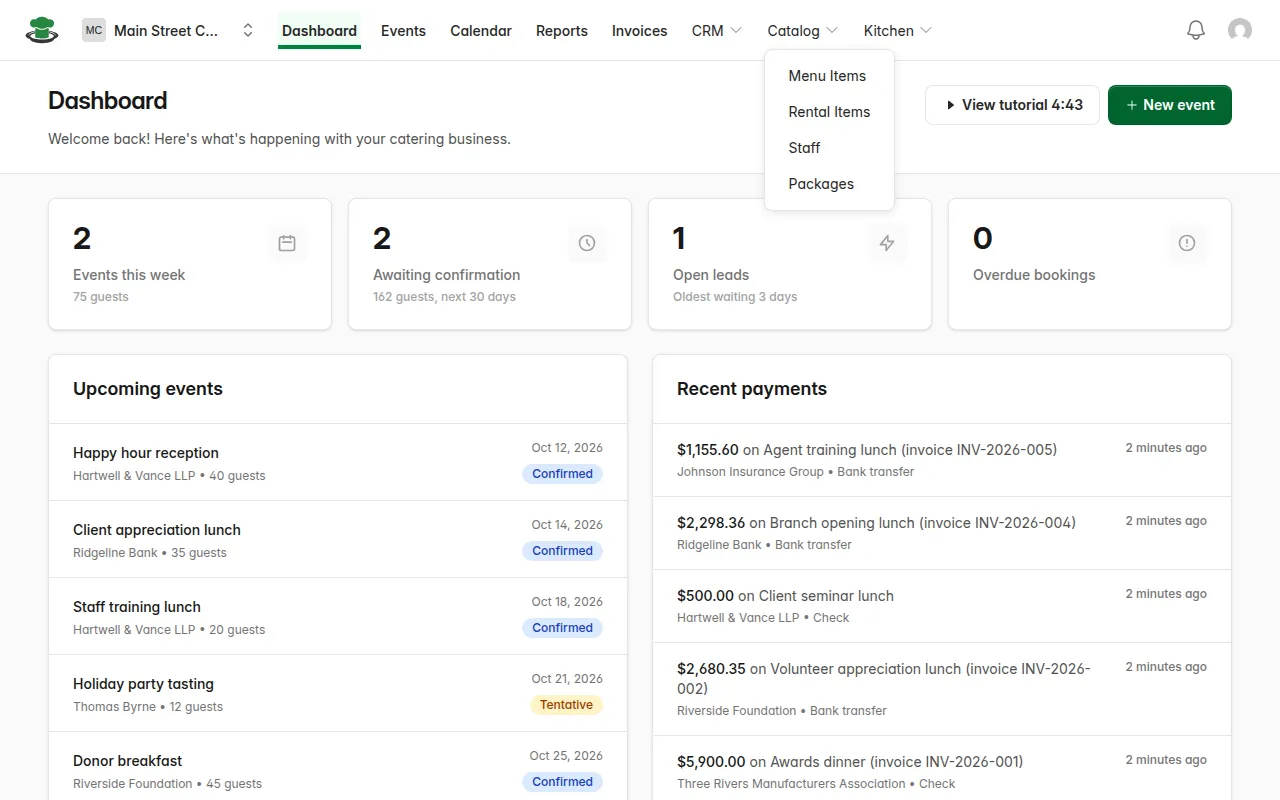
- In the top menu, open Catalog and choose Packages.
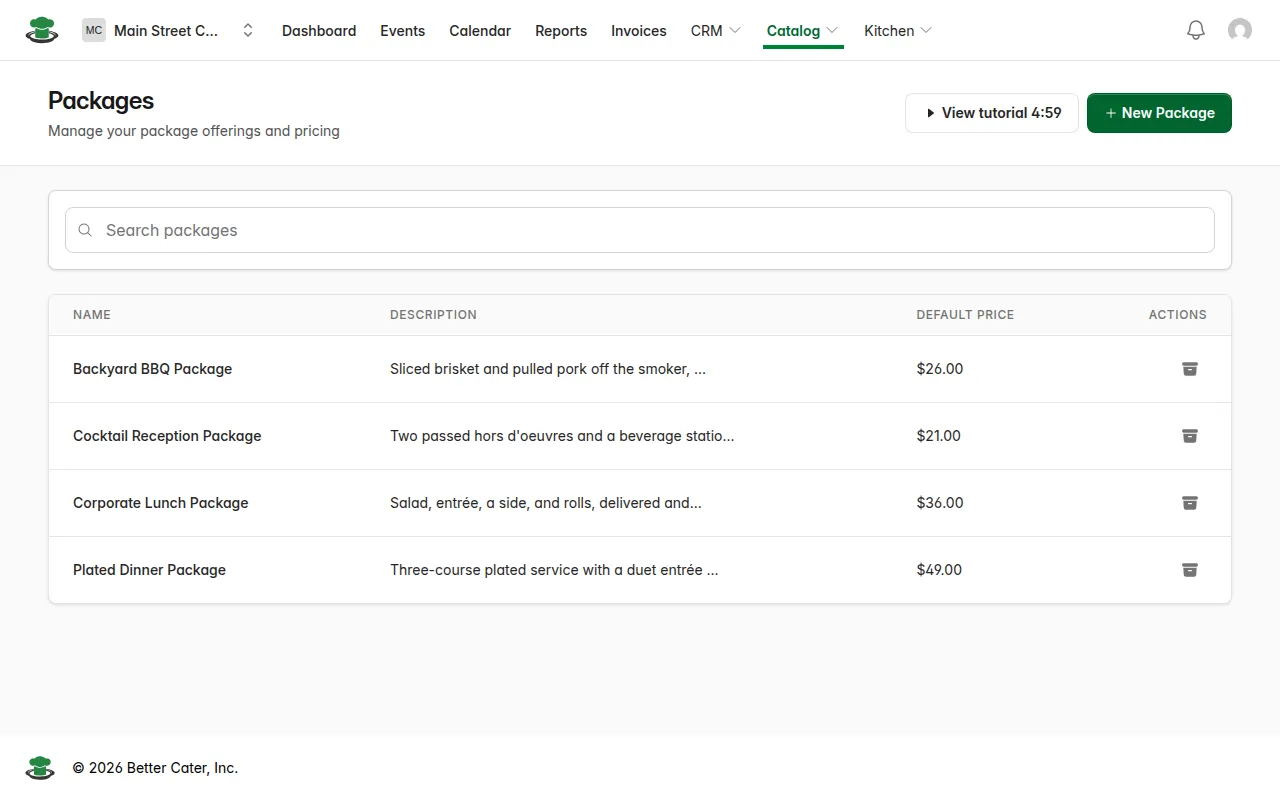
- Click New Package.
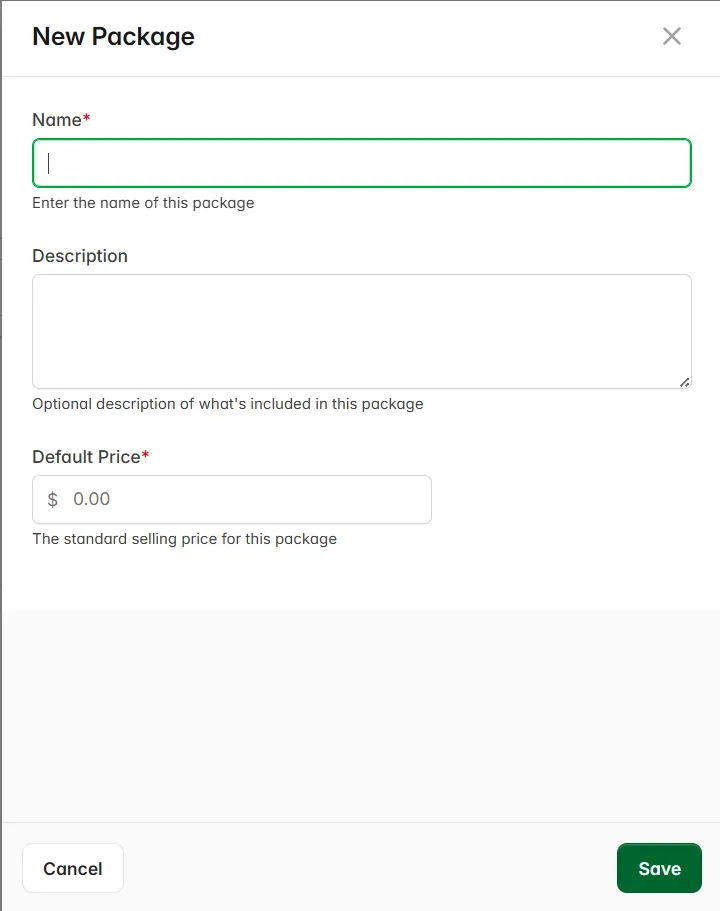
- Enter the package name, an optional description, and the Default Price.
- Click Save. The package opens on its own page.
Add items to a package
- On the package’s page, under Menu Items, click Add First Menu Item. Once the package has items, the button below the table says Add Menu Item. To come back to a package later, click its name in the Packages list.
- Search your catalog and click the item. If it isn’t in your catalog yet, click Create New to build it from here.
- Leave Per package selected and enter the Quantity per package. On a package priced per person, that number is how many each person gets, so 2 means two per person.
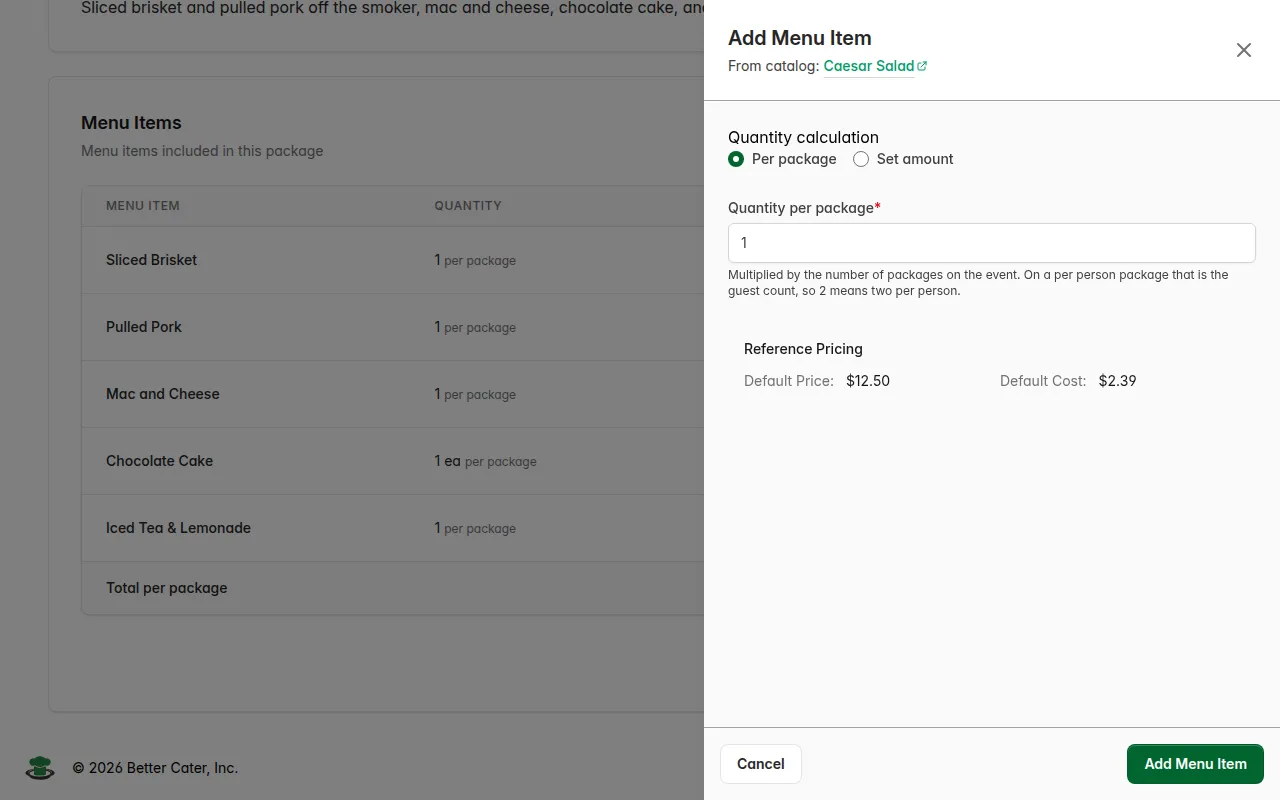
- Click Add Menu Item. Repeat for each item.
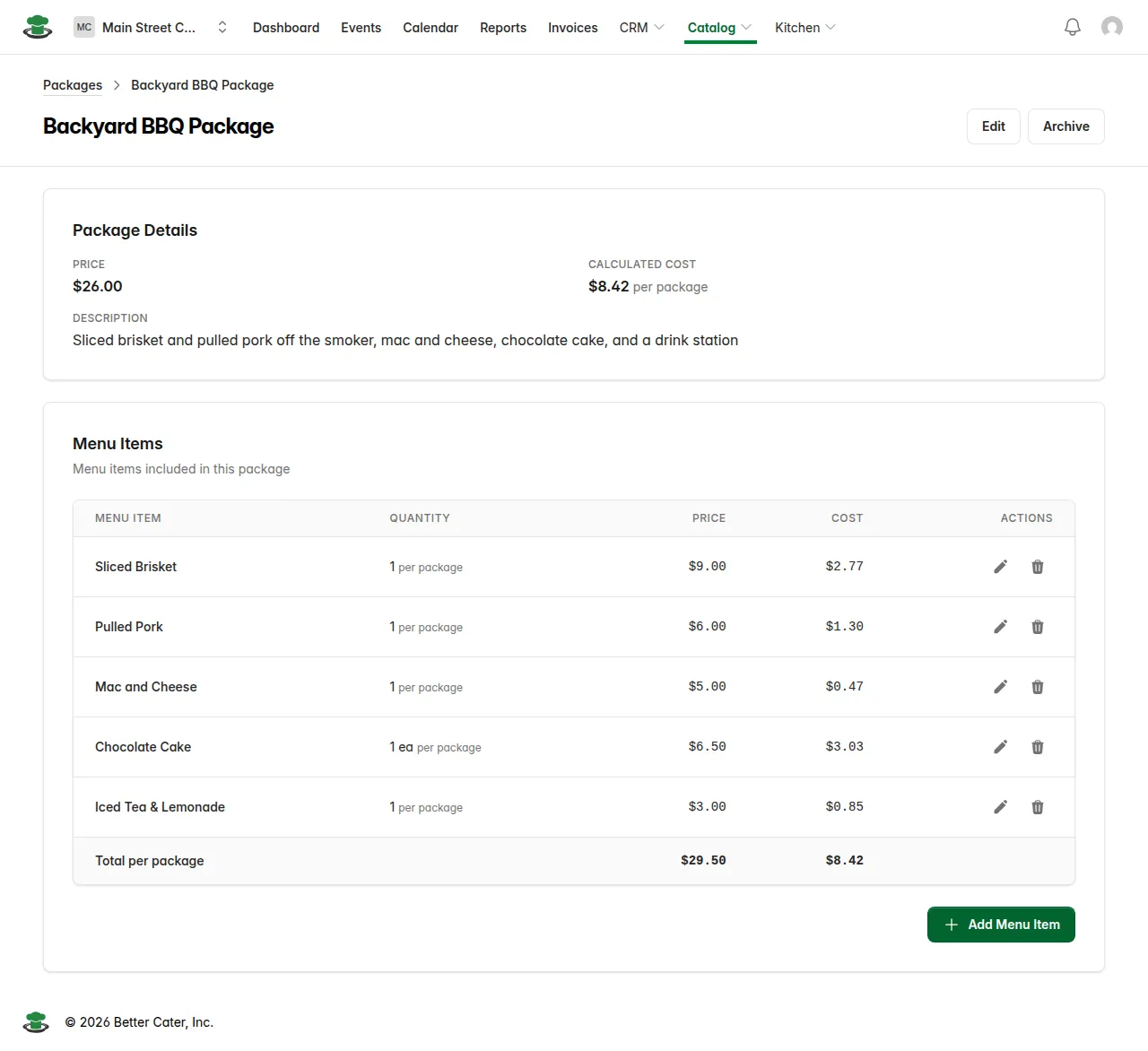
What you’ll see. Each item gets a row with its quantity, price and cost, and a Total per package row adds them up. Calculated Cost at the top updates to match, and the package is ready to add to an event.
Good to know.
- The order of the rows is the order the items land on an event when you add the package. Use the up and down arrows on a row to change it. Each row shows the item’s item group under its name.
- On an event, one package item can be given a set amount, like a single cake that stays at 1 however many guests attend.