
Pencilled in or definite — every event on one calendar.
Wedding Saturdays, office lunches, three-drop days — every job on one catering calendar, with its own menu, headcount, venue, status, and production details.
30 days free · No credit card required · Full access
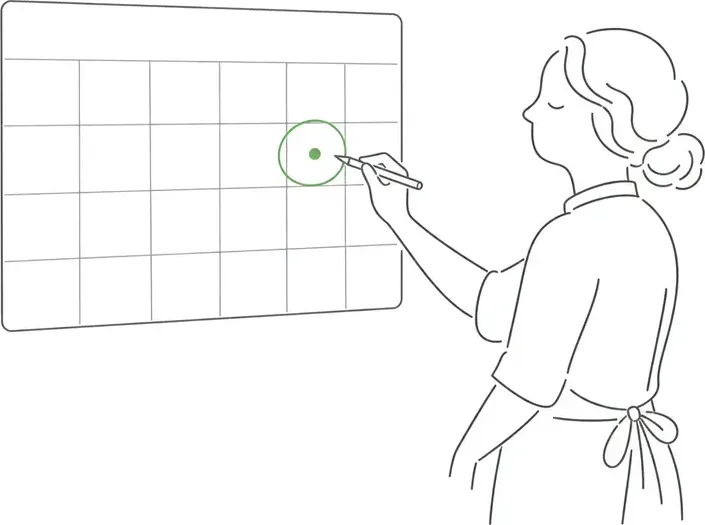
A generic calendar knows what day it is. A catering calendar knows what each day is worth.
Statuses, headcounts, venues, and money live on the event — not in a title field and a group text.
The problem
The calendar square says “Hensley lunch.” Everything else lives somewhere else.
The headcount is on a sticky note, the gate code is in a text thread, and the menu is in last month’s email. The calendar tells you where to be — not what the job is, what it’s worth, or whether it’s even confirmed.
So every change starts a scavenger hunt, and every busy week ends with somebody asking “wait, is that one definite?”
gate code — ask Dana
confirmed?? proposal still out
“details in the group text”
Repeat clients
“Same as last time” starts from last time — not from scratch.
Pull up the client’s last event, duplicate it, and set the new date. The menu, pricing, and delivery details carry over; you only change what’s different.
Sixty guests this time instead of forty-five? Change the headcount, and the totals, kitchen counts, and invoice follow.
The calendar
Your month, color-coded by how real each job is.
Every event lands on the calendar, colored by status — inquiry, tentative, confirmed, completed. Freeform calendar notes (“call the rental company”) sit right on the grid next to the events they belong to.
Click any day and you’re inside the event — menu, headcount, documents, money.
Statuses that match the trade
Pencil it in. Make it definite.
Events move through the stages caterers actually use: an inquiry becomes tentative when the quote goes out (the pencil booking), and confirmed when the contract is signed (the definite booking). One glance at the calendar tells you what’s real revenue and what still needs a push.
Calendar sync
Your events, on the phone in your pocket.
Subscribe once and every event shows up in Google, Apple, or Outlook Calendar — name, guest count, venue, client, and a link back to the full event. The whole crew can see what Saturday looks like without opening another app.
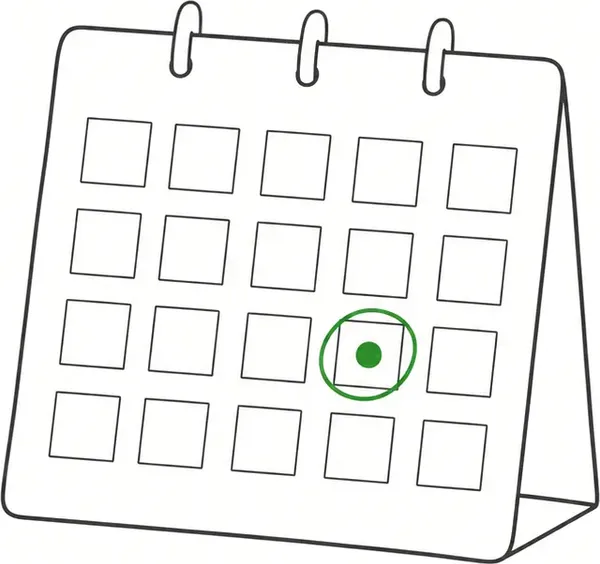
Every date accounted for — status, headcount, and notes on the grid, not in a group text.
Built for the way a catering month actually looks
A wedding Saturday, weekly office clients, three drops before noon. One system that keeps them straight.
Month calendar
Every event and reminder note on one grid, color-coded by status.
Duplicate any event
Repeat orders start from last time — duplicate, set the date, change what’s different.
Everything on the event
Menu, headcount, venue, and status live on the event — not in a notes field.
Day-of timeline
Load-in, service, teardown — a schedule on the event that flows into the BEO.
Venues on the event
The office, the barn, the park — each event carries its site and the details the crew needs.
Calendar sync
Subscribe from Google, Apple, or Outlook — events update automatically.
One calendar tells you what’s real — every event, every status, every dollar on the month.
Put your whole catering schedule in one place.
Manage inquiries, tentative holds, and confirmed events from one calendar built for caterers — synced to the phone in your pocket.
30-day free trial · No credit card required · Rated 4.8 on Capterra